IPTV Reseller Setup Guides
Comprehensive configuration guides for IPTV resellers. Instantly set up your custom IPTV panel, configure Firestick devices for your clients, and deploy standard M3U/Xtream APIs.
Our premium backend infrastructure is universally compatible with industry-leading apps like IPTV Smarters Pro and TiviMate. Follow these step-by-step tutorials to onboard your clients in minutes.
Universal Compatibility
Our white-label IPTV backend works seamlessly on all major client devices. Your customers can easily stream on Smart TVs, Firestick, Android TV, iOS, Windows, Roku, and Apple TV using standard M3U playlists or Xtream Codes APIs.





Compatible with all available players in the market
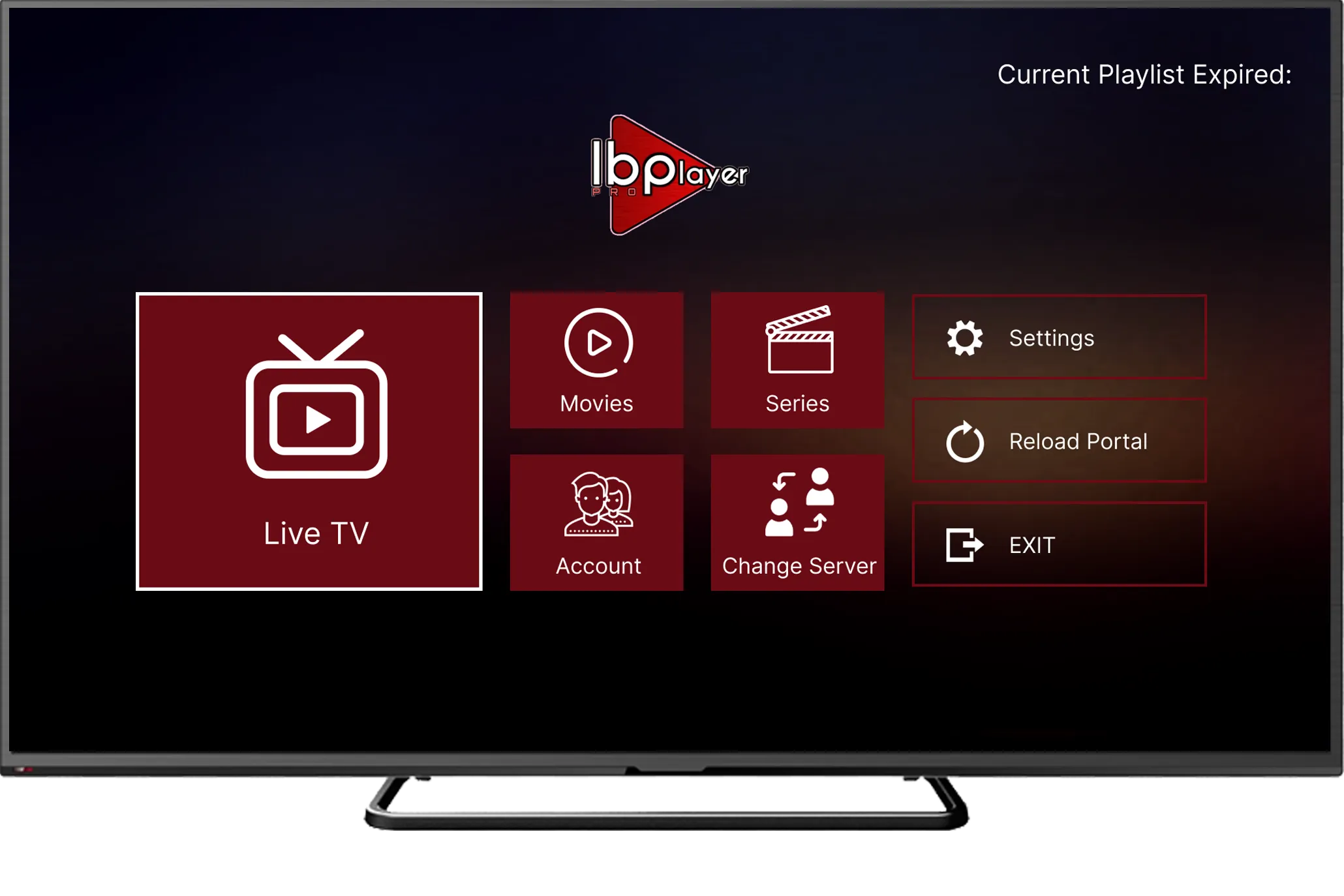
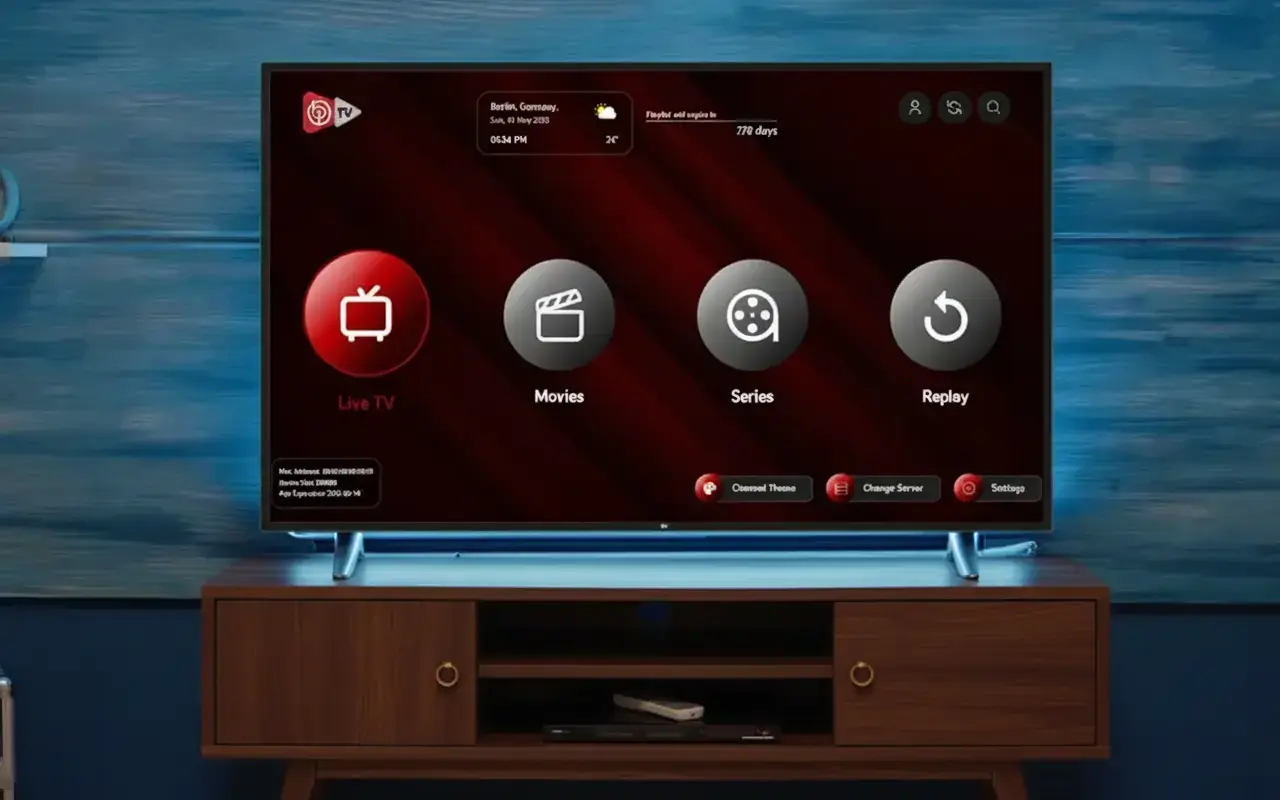
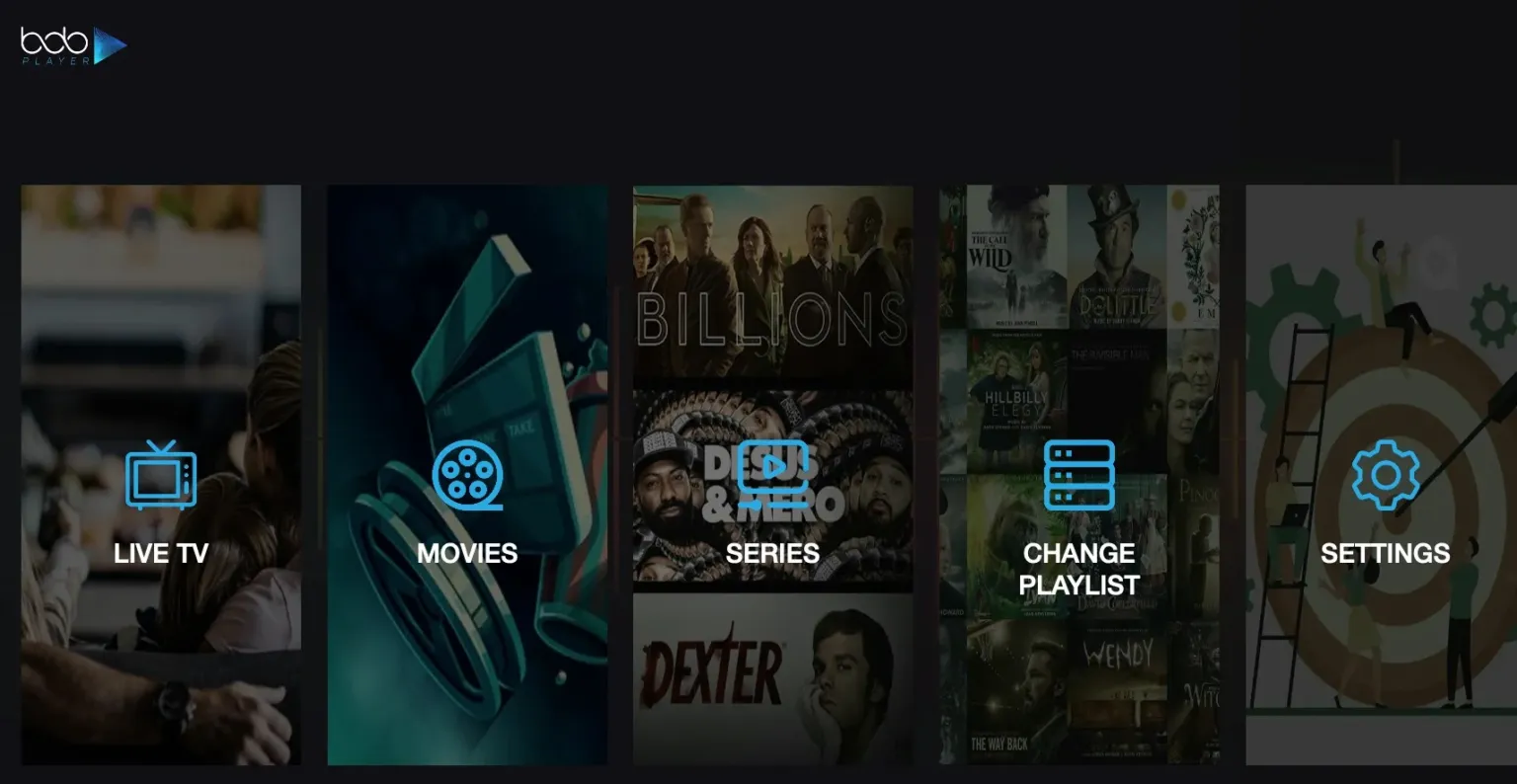
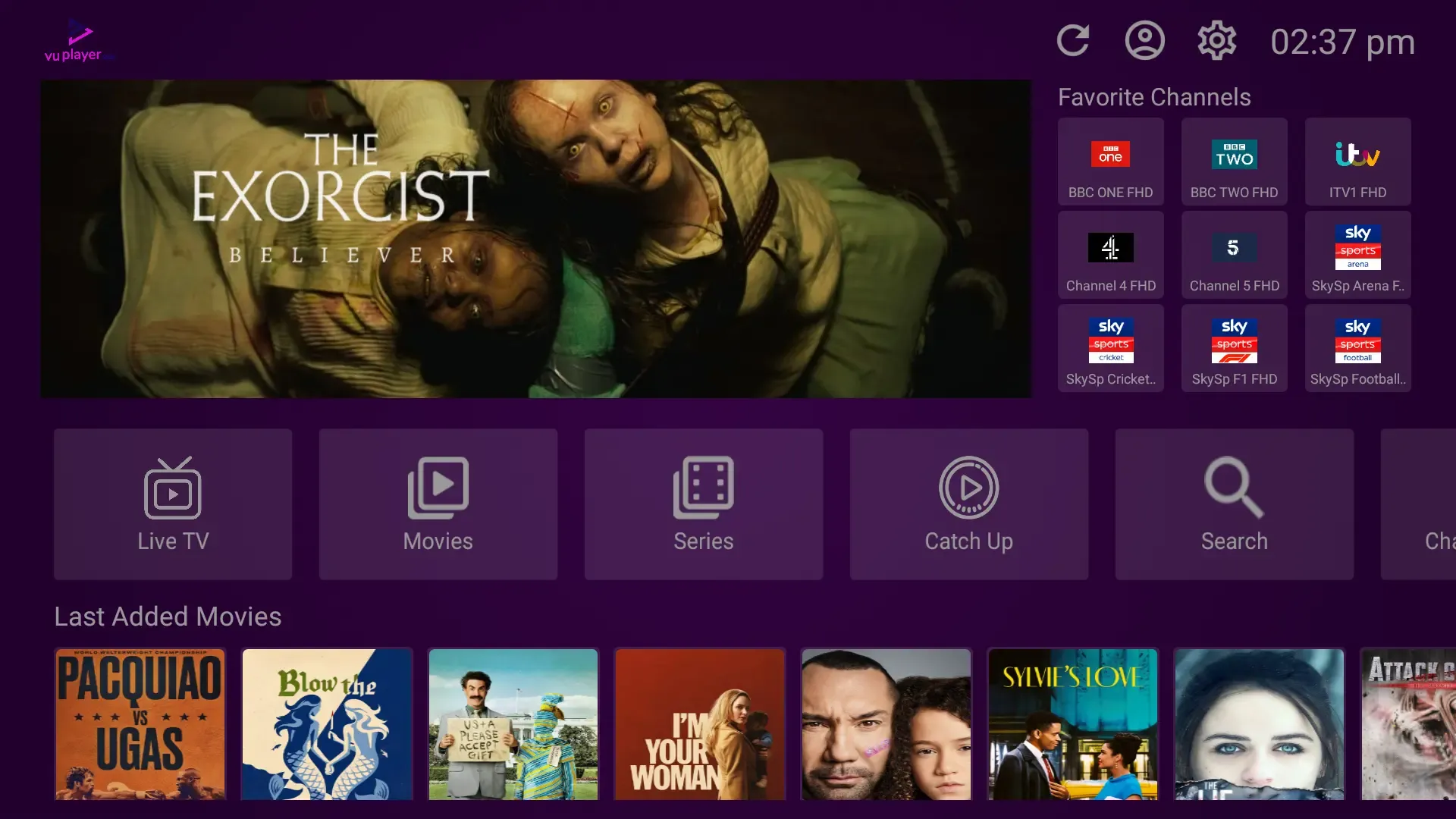
Whether your clients use Hot Player, IBO Player Pro, TiviMate, or any custom rebranded app, our high-quality streams load instantly. Supply them with Xtream Codes and watch your retention skyrocket.

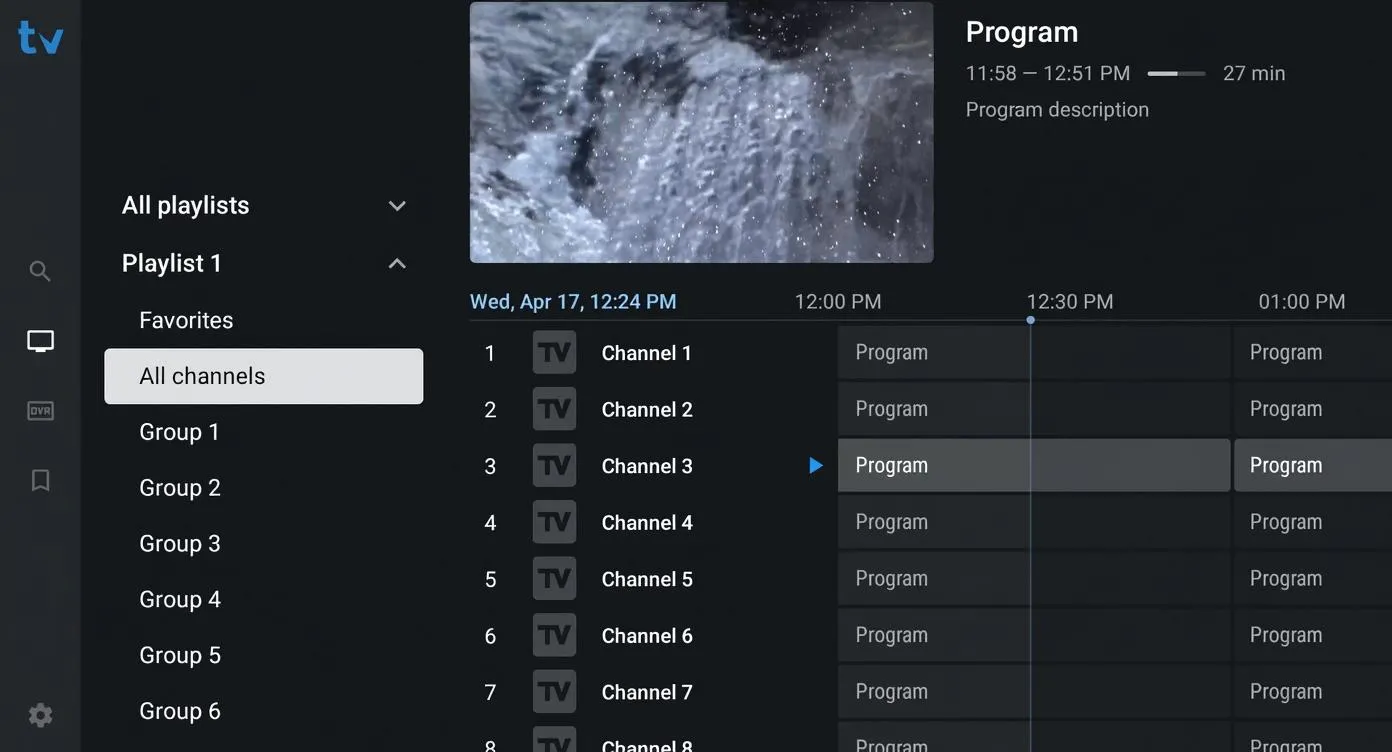
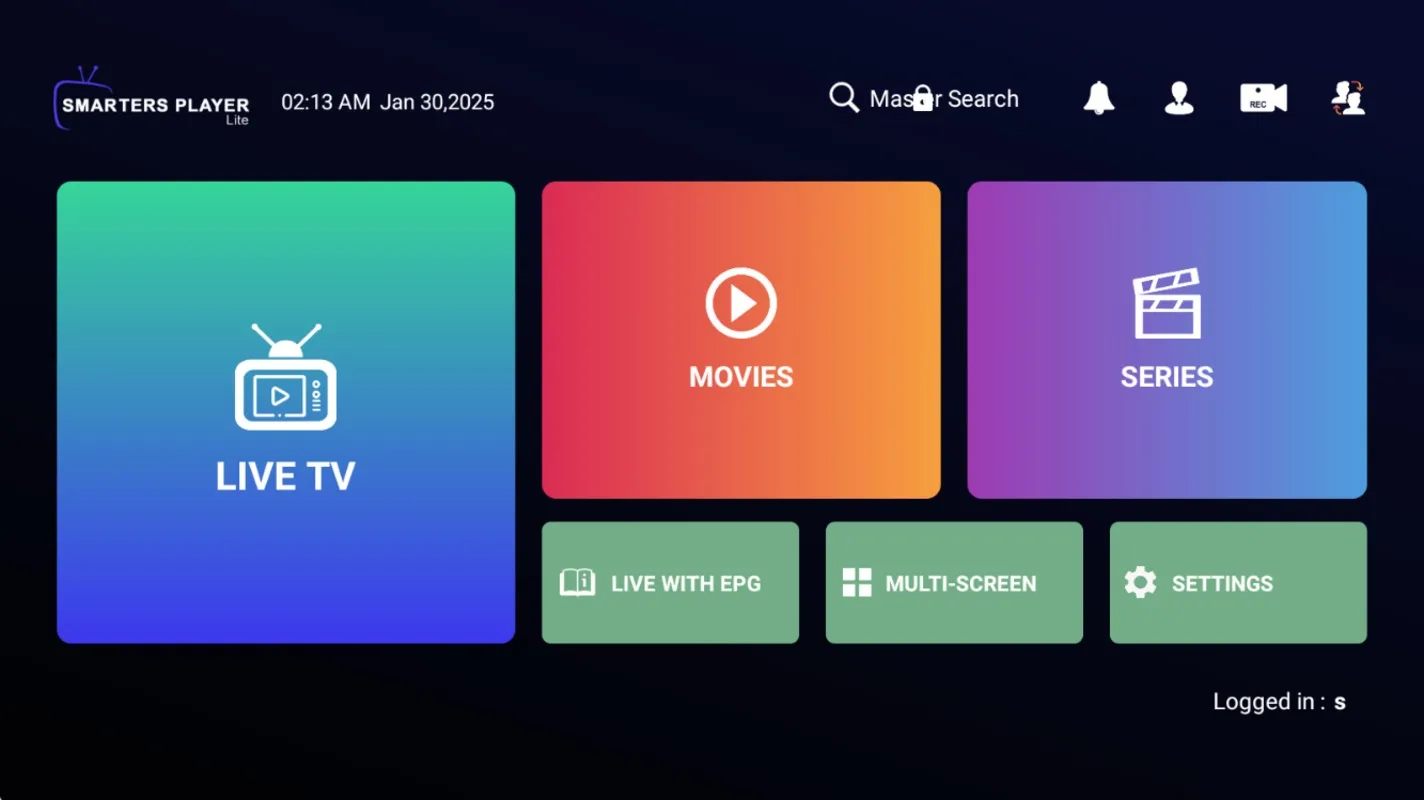
Universal Support
Flawless configuration support on Hot Player, TiviMate, IBO, NetIPTV, and bespoke reseller apps.
Xtream & M3U APIs
Seamlessly integrate standard M3U playlists and high-performance Xtream Codes API server portals.
Anti-Freeze Engine
Optimized feeds that guarantee buffer-free play on all market players, securing client satisfaction.
RESELLER CONFIGURATION
ULTIMATE IPTV SETUP GUIDE
Select a device below for simple, step-by-step instructions on deploying your service to end-users. Our backend integrates flawlessly with any IPTV player on the market.
Amazon Firestick / Fire TV Setup
Firestick is universally considered the best device for deploying your IPTV service. We highly recommend instructing clients to use HotPlayer for its white-label readiness, or TiviMate for advanced functionality.
- 1Have your client navigate to Settings > My Fire TV > Developer Options and enable Apps from Unknown Sources.
- 2Tell them to search for and install the Downloader app directly from the Amazon App Store.
- 3Once launched, they can type in your specific custom APK code, or one of the generic player codes below.
Client Downloader Codes:
Reseller Support: If you need assistance generating trials, configuring custom APKs, or linking your white-label panel to these apps, contact our 24/7 technical team.
Ready to Launch Your IPTV Business?
Get instant access to your IPTV reseller dashboard today. Start providing your clients with 40,000+ premium channels and flawless 4K quality.