Best IPTV for Firestick
Unlock your Amazon Firestick. Stream 40,000+ live channels and 100,000+ movies perfectly without buffering.
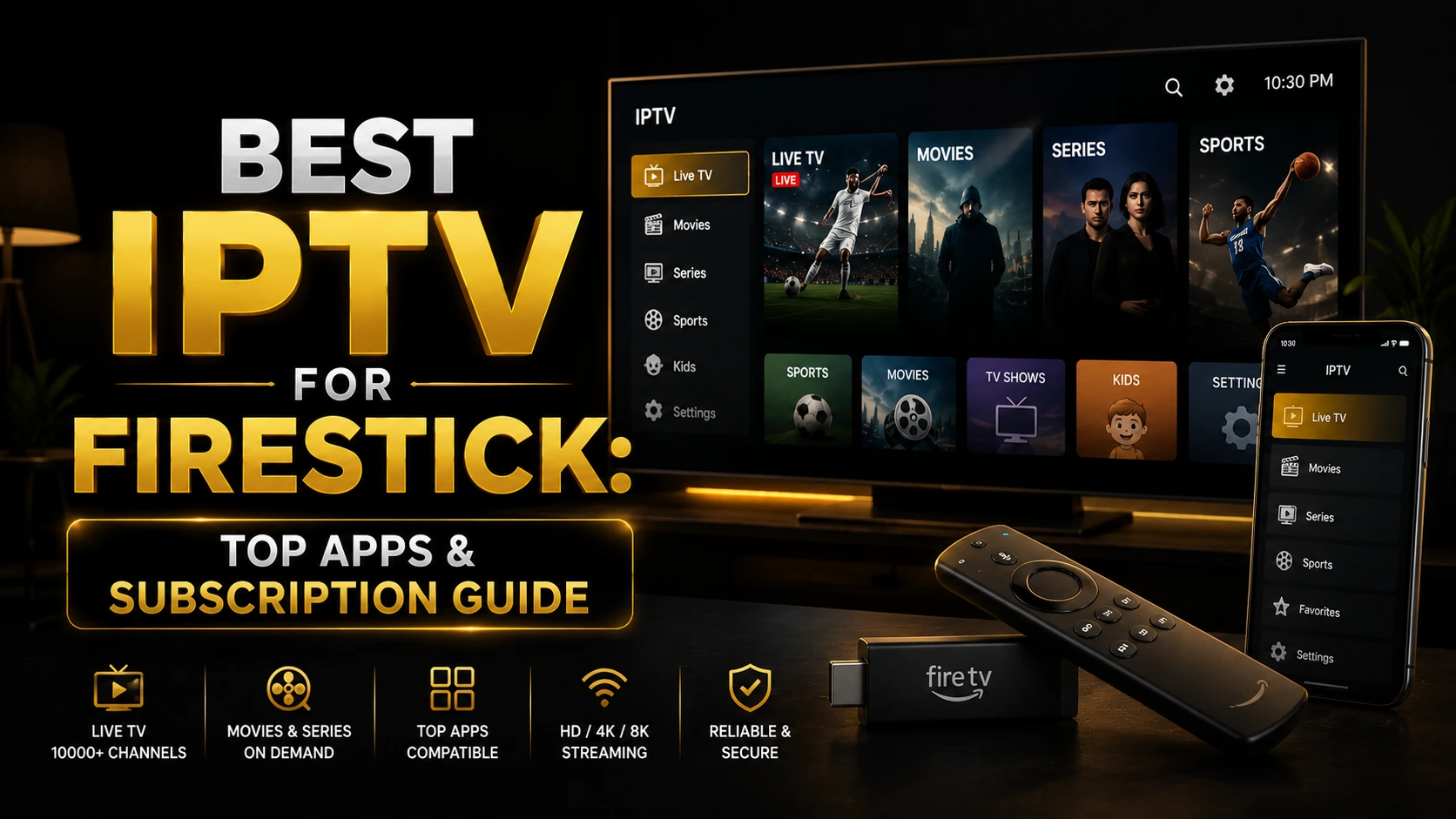
Table of Contents
Why Firestick is Great for TV
The Amazon Firestick is incredibly popular because it is cheap, easy to use, and turns any TV into a Smart TV. But its real magic is unlocked when you pair it with a good live TV service.
Whether you want to watch live sports, news, or movie channels, Firesticks handle streaming perfectly. To do this, you just need two things: a video player app installed on your Firestick, and a subscription to give that app all the channels.
Important: You must install an app first (like TiviMate or HotPlayer), but those apps are empty. You need a subscription with IPTV Reseller List to actually get the live TV.
Why Choose Our Service?
We specifically designed our service to work perfectly with Amazon Firesticks, meaning no freezing during big sports games:
No Freezing
Our servers are extremely fast, ensuring your channels play smoothly without stopping to load.
Massive Channel List
Enjoy over 40,000 live channels including sports, news, and kids shows in multiple languages.
Movies & TV Shows
Get instant access to over 100,000 movies and series on-demand, just like Netflix.
24/7 Human Help
Our friendly team is always available on WhatsApp to help you set it up.
Top Apps for Firestick
There are many apps you can use to watch your subscription. Here are the most popular ones for Firestick:
| App Name | Best For | Cost |
|---|---|---|
| TiviMate | People who love a classic TV Guide look | Free to try |
| HotPlayer | Fast loading and live sports | Free to try |
| IPTV Smarters Pro | Beginners (very easy to use) | Completely Free |
| IBO Player Pro | Watching Movies & TV Shows | Free to try |
How to Install on Firestick
Ready to watch? It is very simple to get started. Just follow these steps:
1. Turn on Developer Options
On your Firestick, go to Settings → My Fire TV → Developer Options. Turn on "Apps from Unknown Sources".
2. Get the Downloader App
Search for the free "Downloader" app on your Firestick home screen and install it.
3. Install a Player App
Open Downloader and type in the special code for the app you want (for example, type 272483 for TiviMate). It will download automatically.
4. Log in and Watch
Open your new player app, enter the Username and Password we gave you when you purchased your subscription, and start watching!
Frequently Asked Questions
What is the best TV subscription for Firestick?
IPTV Reseller List is perfect for Amazon Firestick. We offer over 40,000 live channels and 100,000 movies that play smoothly on any Fire TV model.
Which app should I use to watch on Firestick?
We highly recommend TiviMate if you like a classic TV guide look, or HotPlayer if you want something fast and simple.
Is it hard to install on a Firestick?
Not at all. It takes less than 5 minutes. You just use the free Downloader app to get your chosen player, and then log in.
Upgrade Your TV Experience
Get access to our fast, reliable servers and transform your Firestick into the ultimate entertainment center.